How to Use the Cryptnox Smartcard Contactless Reader (Tutorial)
Instructions
Step 1
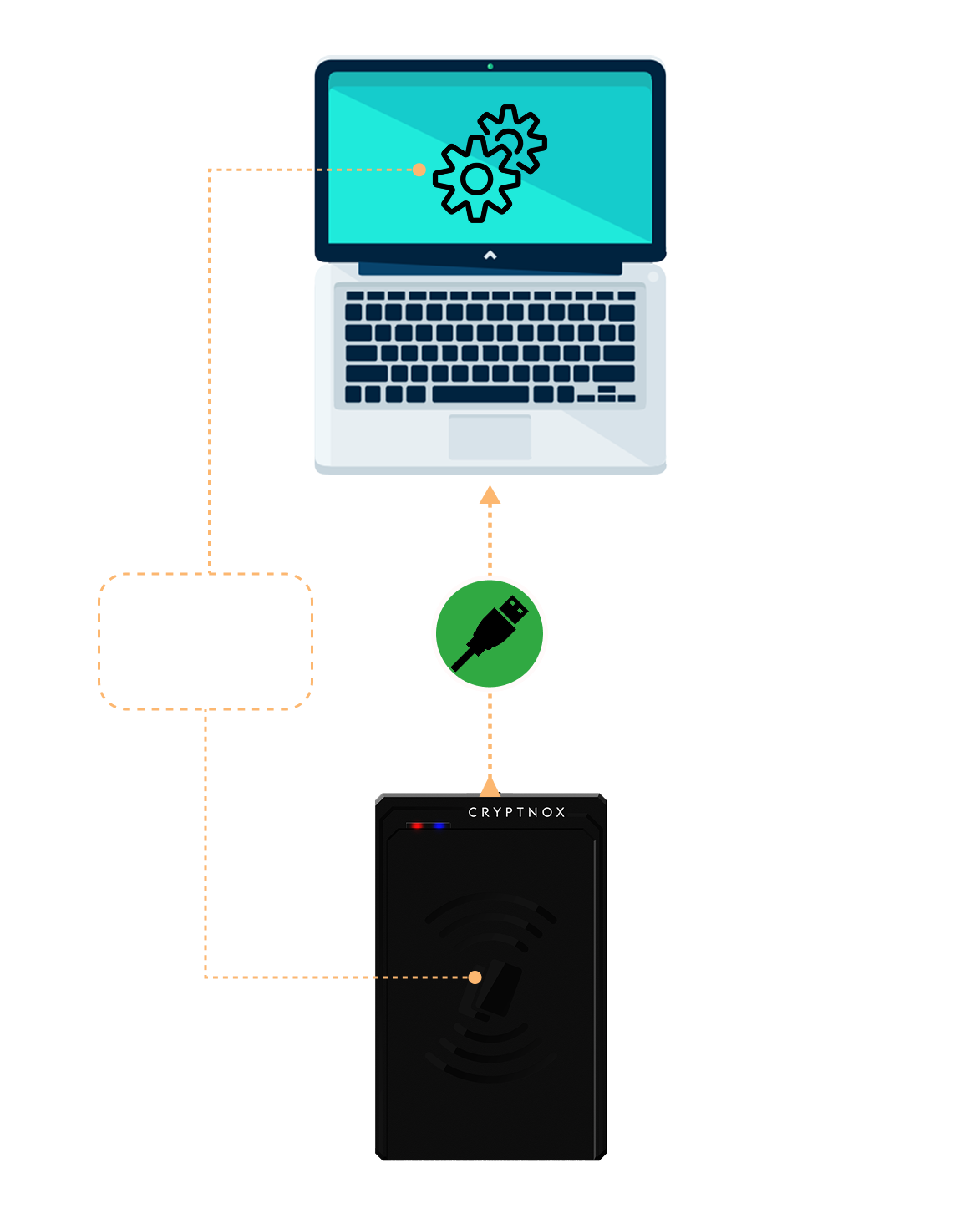
Plug the reader directly into the USB port of your computer An LED indicator will light up to confirm that the device is powered
Step 2
Your operating system will automatically detect and configure the device No software installation is required for standard use, as the device is plug-and-play Drivers are already included in major operating systems
Step 3
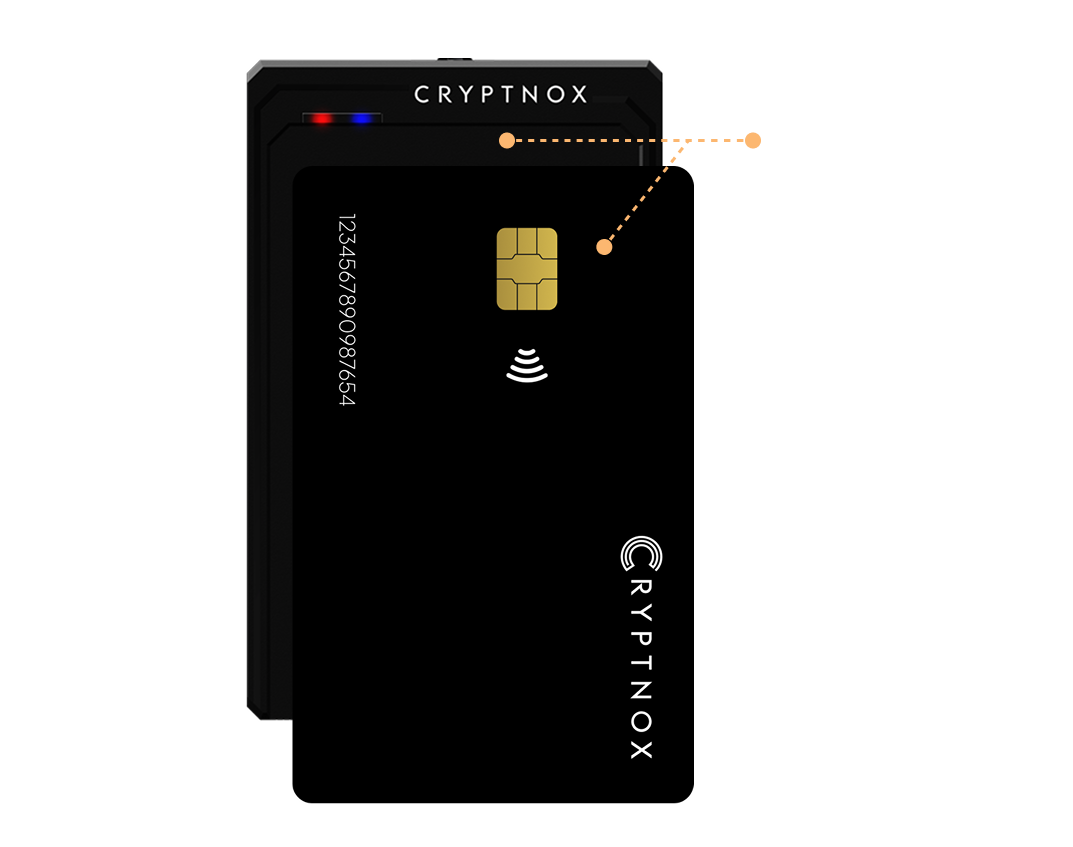
Hold your contactless smart card placed on or held within 1-3 cm of the reader. The card will be automatically detected and processed by any compatible application