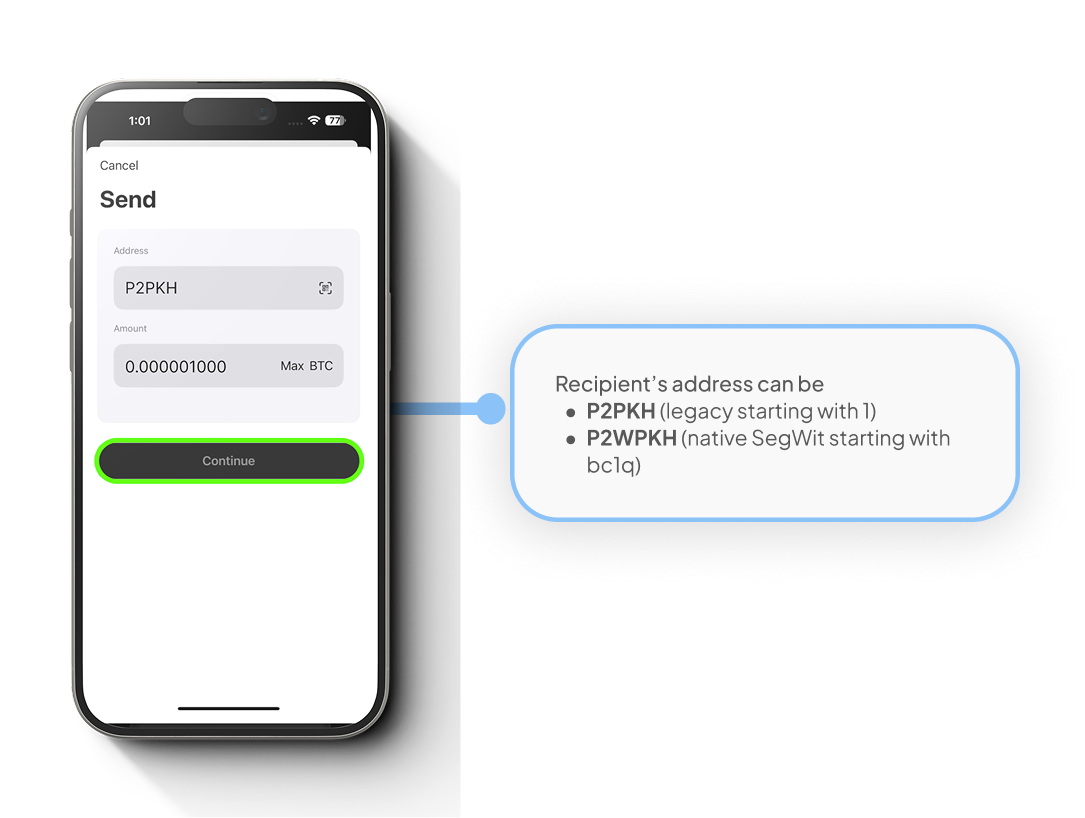
Note: Ensure that your Cryptnox wallet app is updated to at least version 2.10.0 This version supports SegWit wallets, while previous versions only support legacy wallets The application supports: P2PKH (legacy starting with 1) and P2WPKH (native SegWit starting with bc1q)
Download the Cryptnox application
Ensure that you have downloaded and installed the Cryptnox App on your device. Launch the app to begin the initialization process.
Step 1
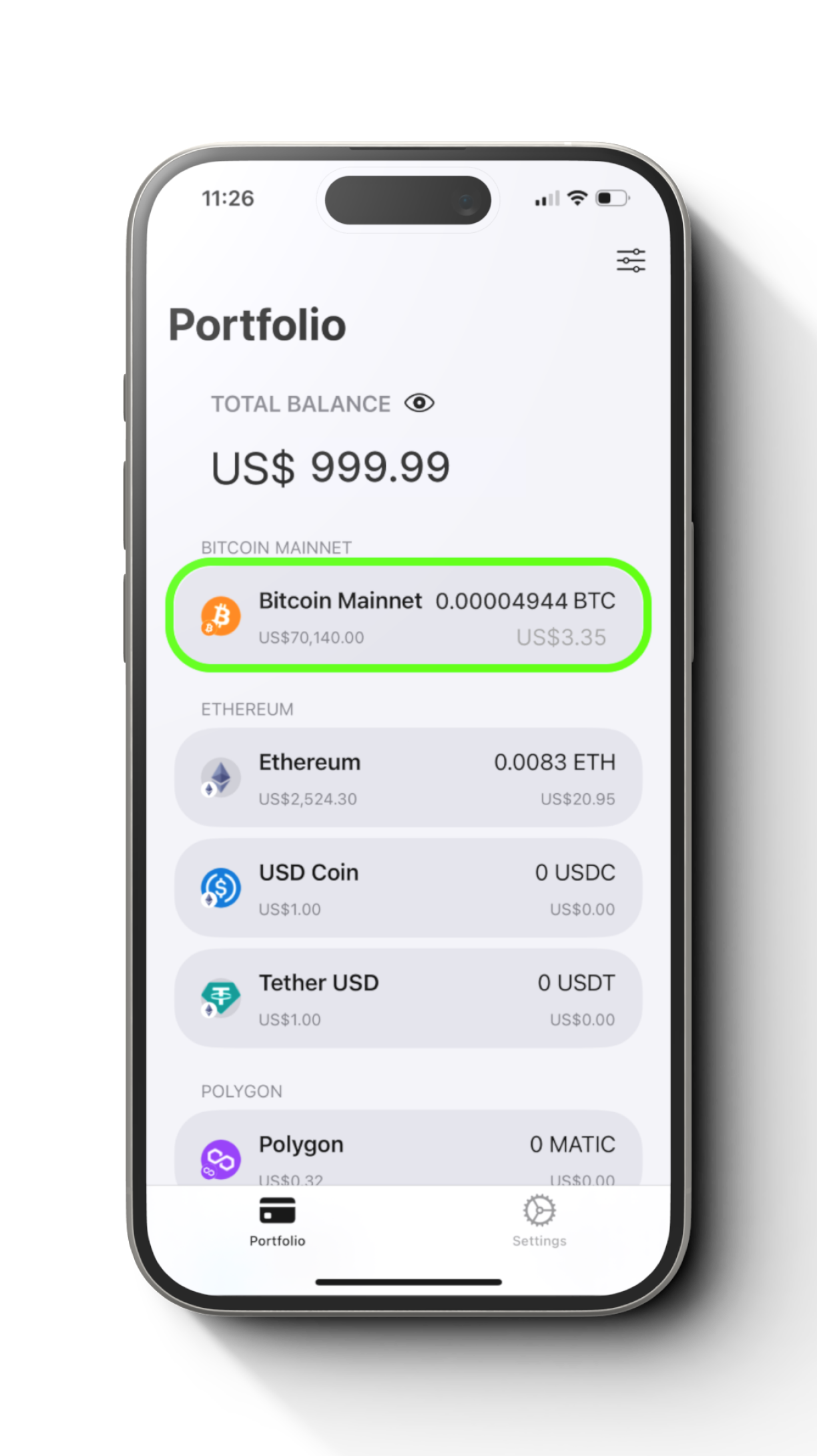
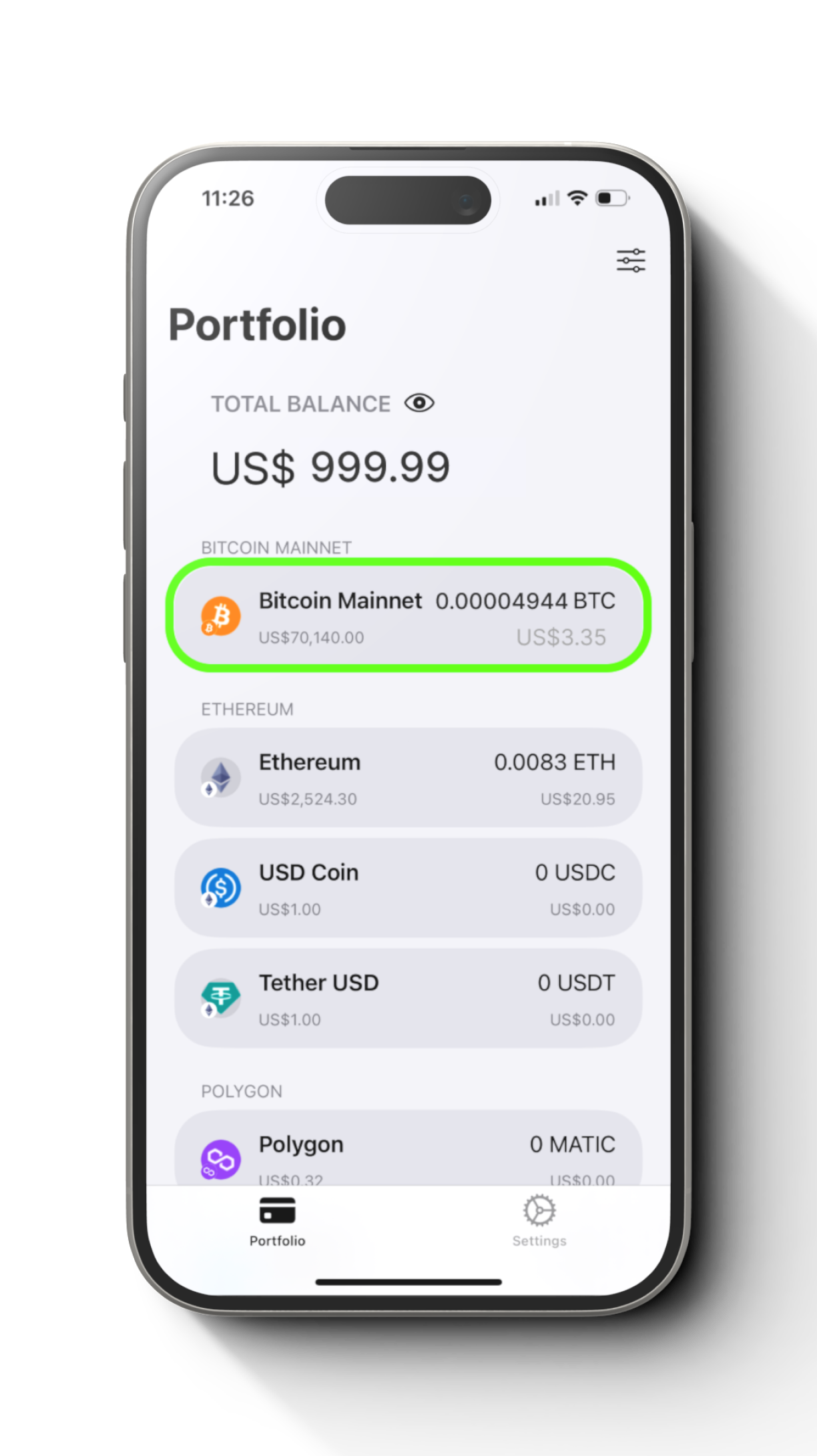
Open the wallet and select the “Bitcoin”.
Step 2
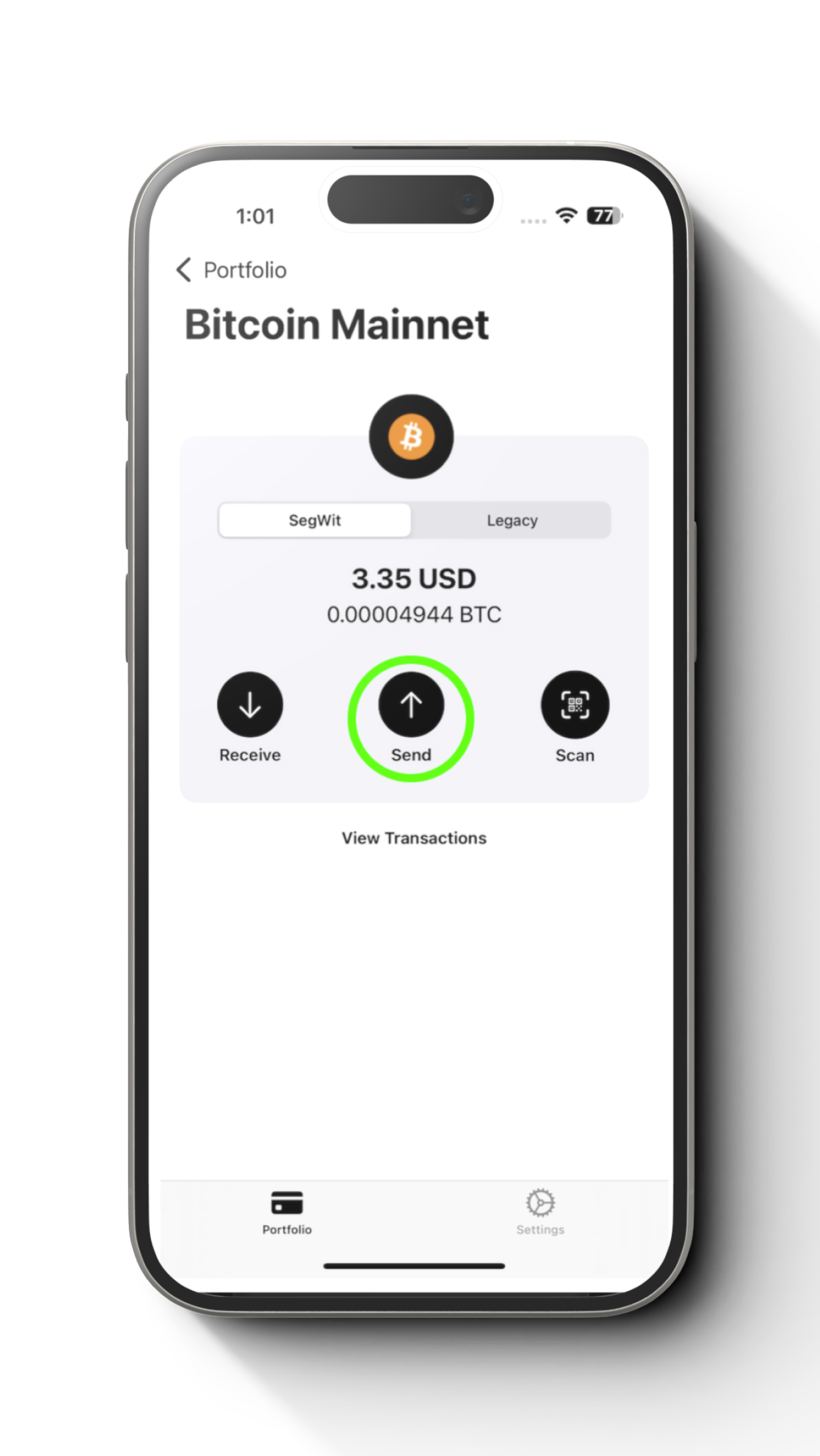
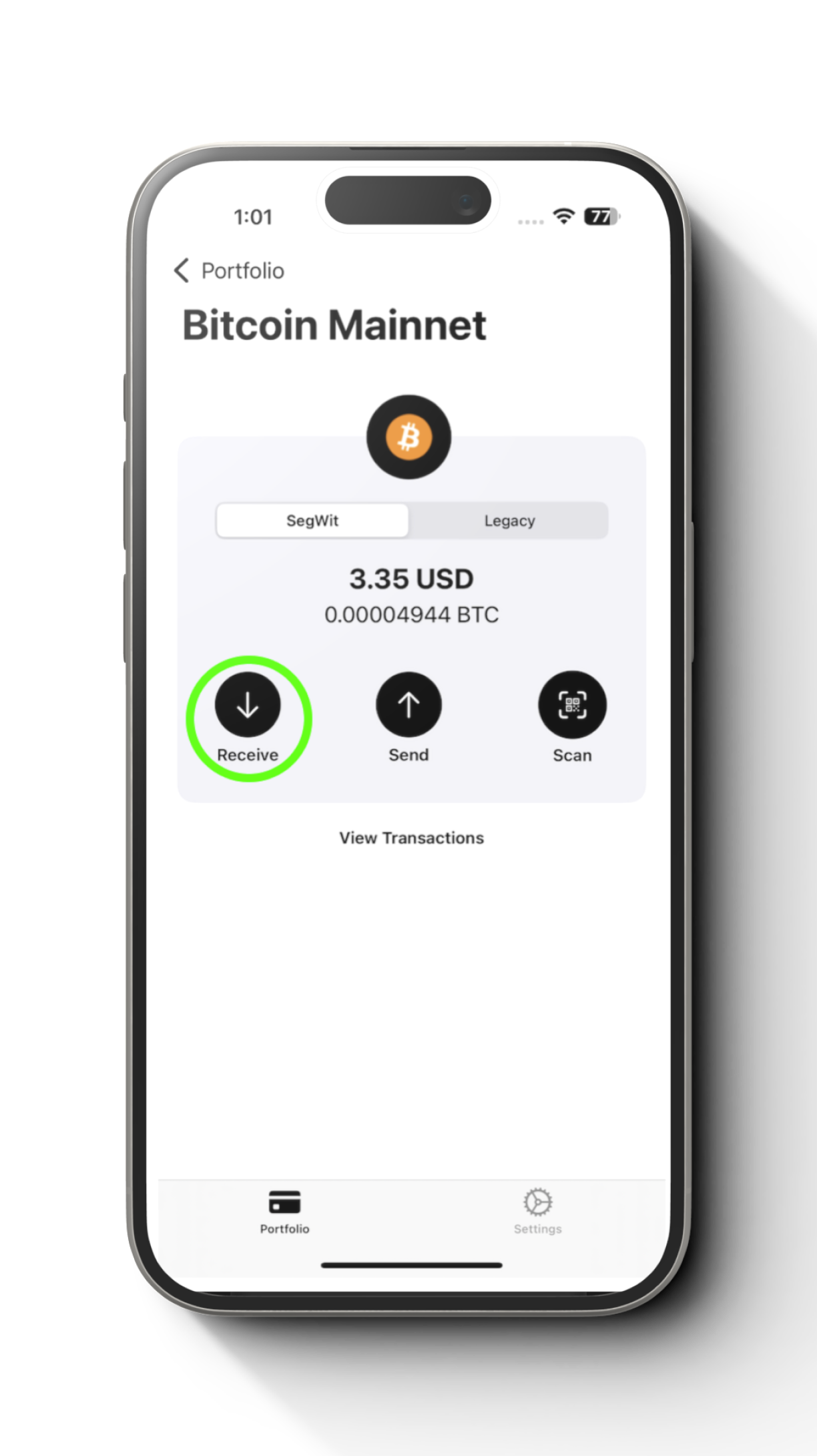
Select “SegWit” and tap “Send”.
Step 3
Enter the recipient’s address (can be P2PKH and P2WPKH) then specify the amount and confirm the transaction.
Receiving Bitcoin Using a SegWit
Step 1
Open the wallet and select the “Bitcoin”.
Step 2
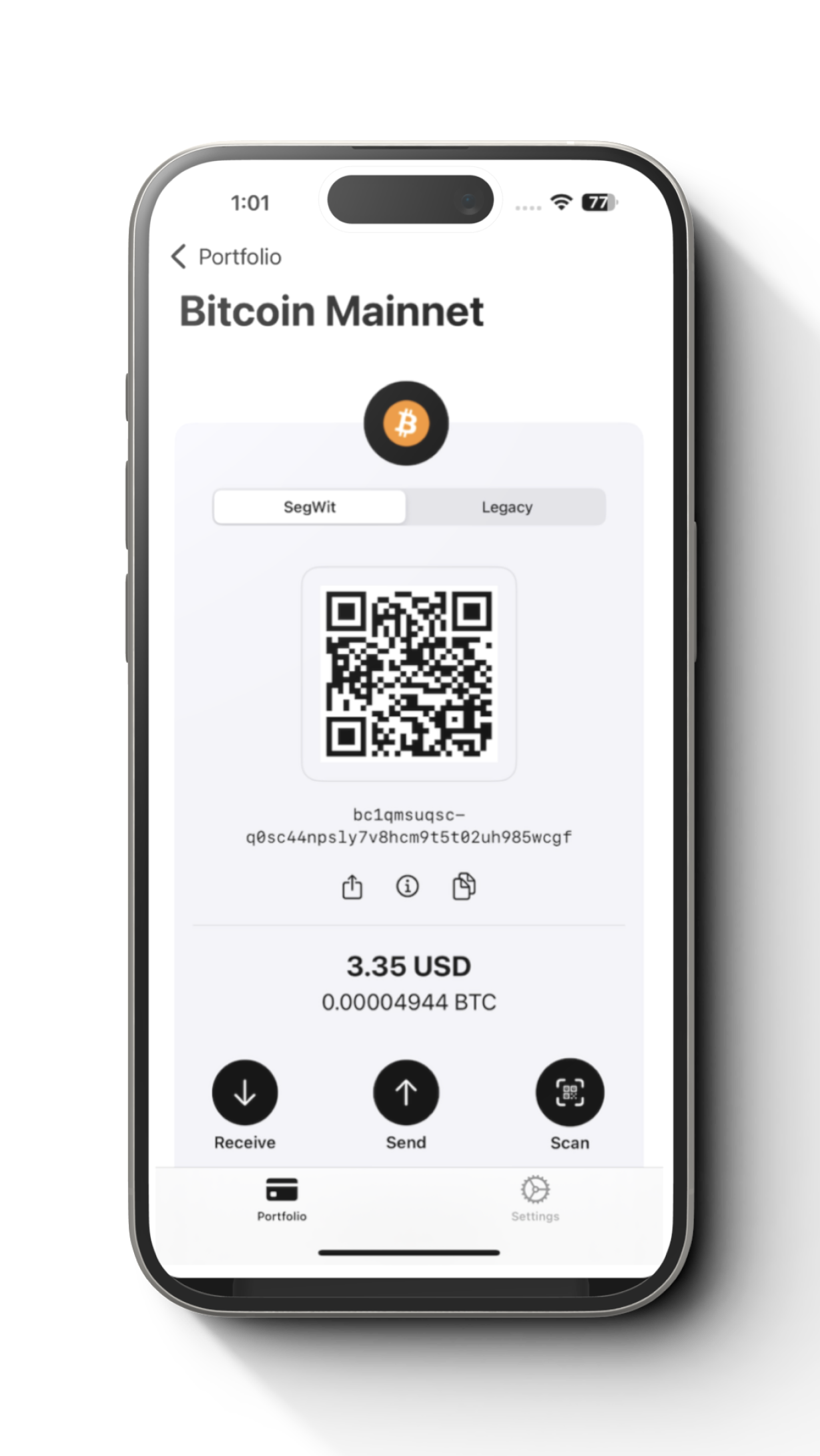
Select “SegWit” and tap “Receive” to display your native SegWit address..