How to Perform a “Click-to-Tap” operation with the Cryptnox Smartcard Contact Reader
Instructions
Step 1
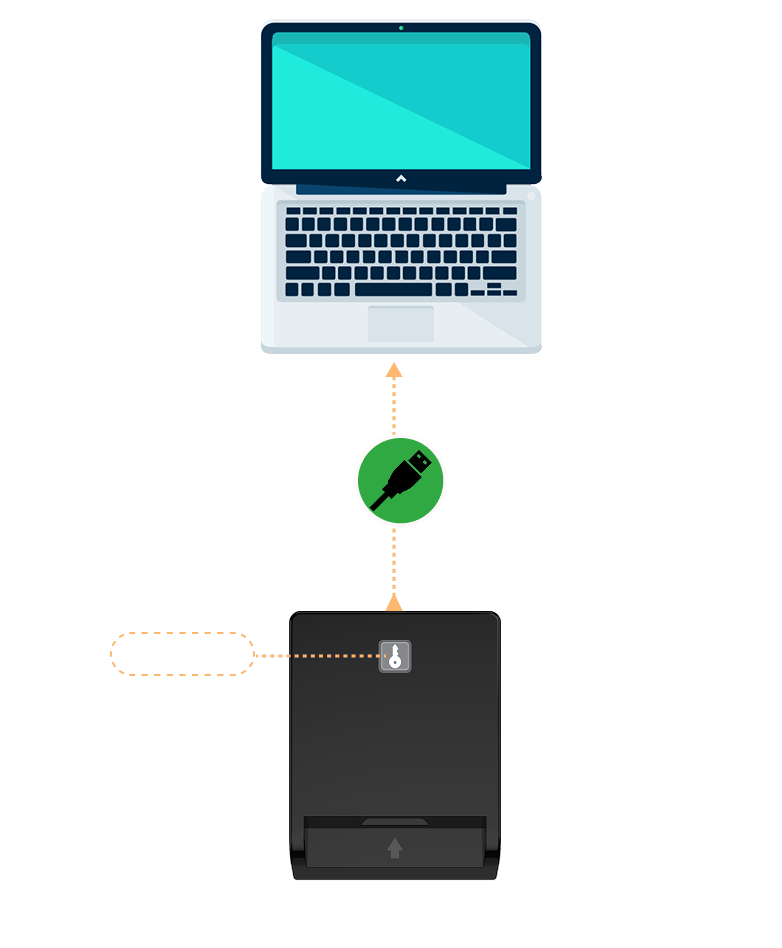
Plug the reader directly into the USB port of your computer An LED indicator will light up to confirm that the device is powered
Step 2
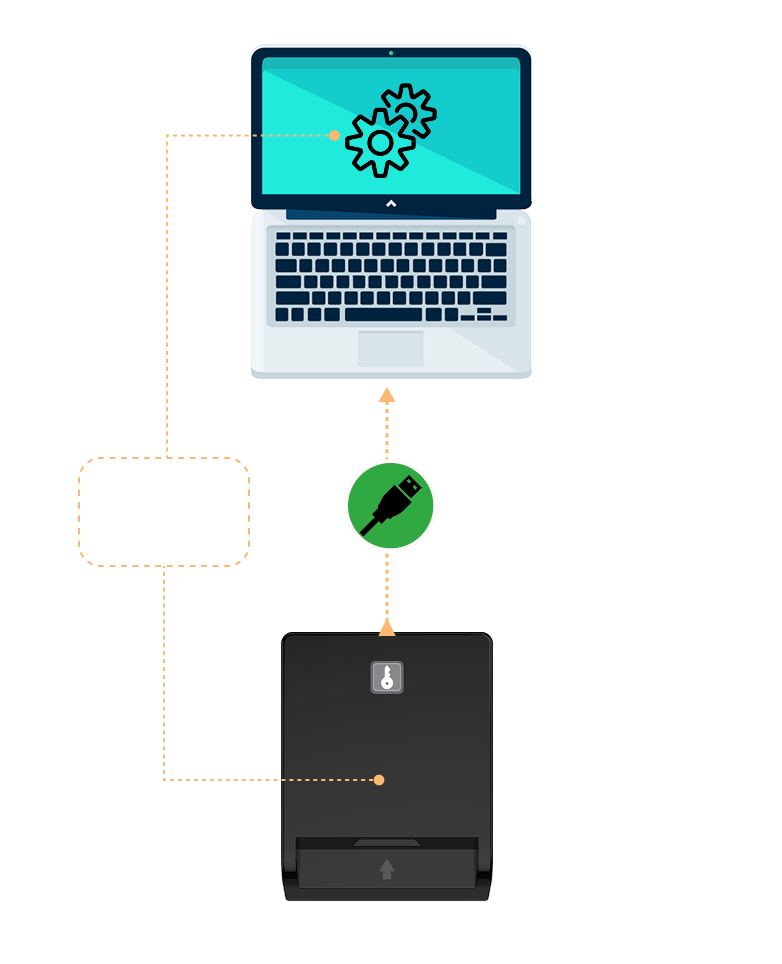
Your operating system will automatically detect and configure the device No software installation is required for standard use, as the device is plug-and-play. Drivers are already included in major operating systems
Step 3 The Click-to-Tap Function
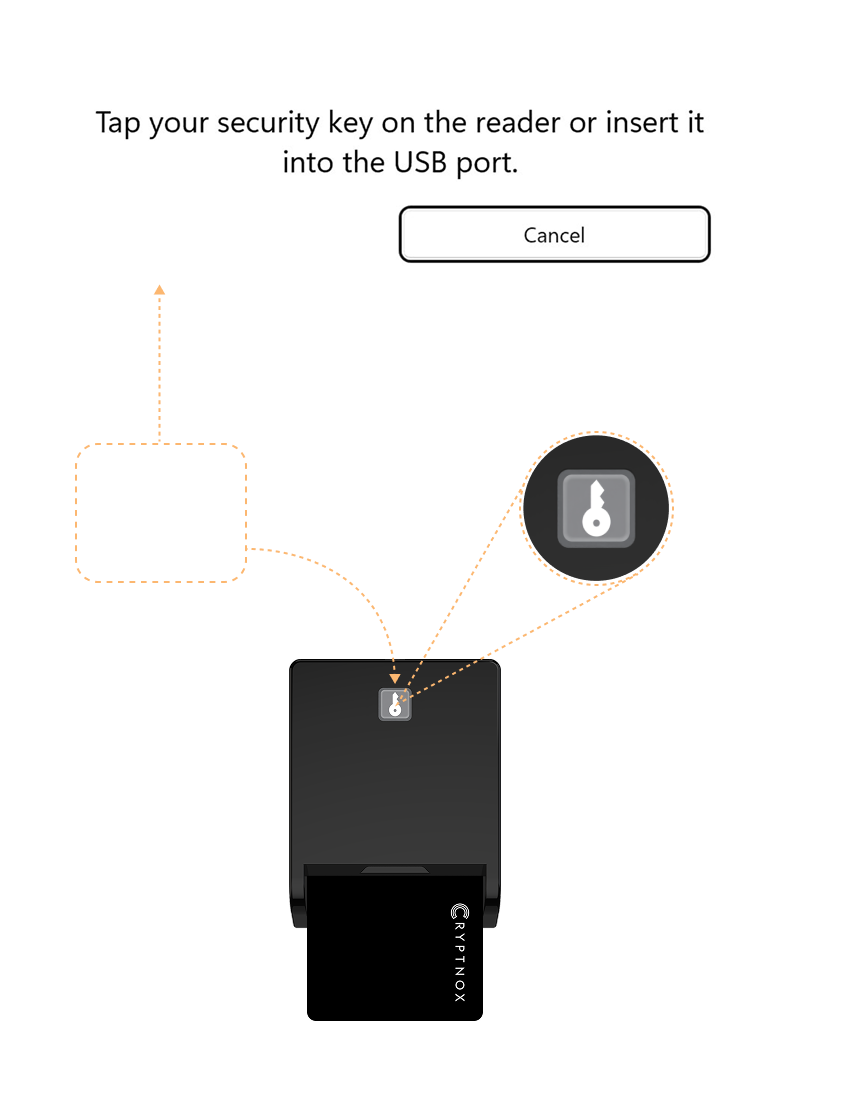
When the message below appears on your computer, simply click the authorization button instead of removing and reinserting the card This feature is supported only on Windows and is not available on macOS or Linux