How to Use the Cryptnox Click-to-Tap Smart Card Reader
Instructions
Step 1
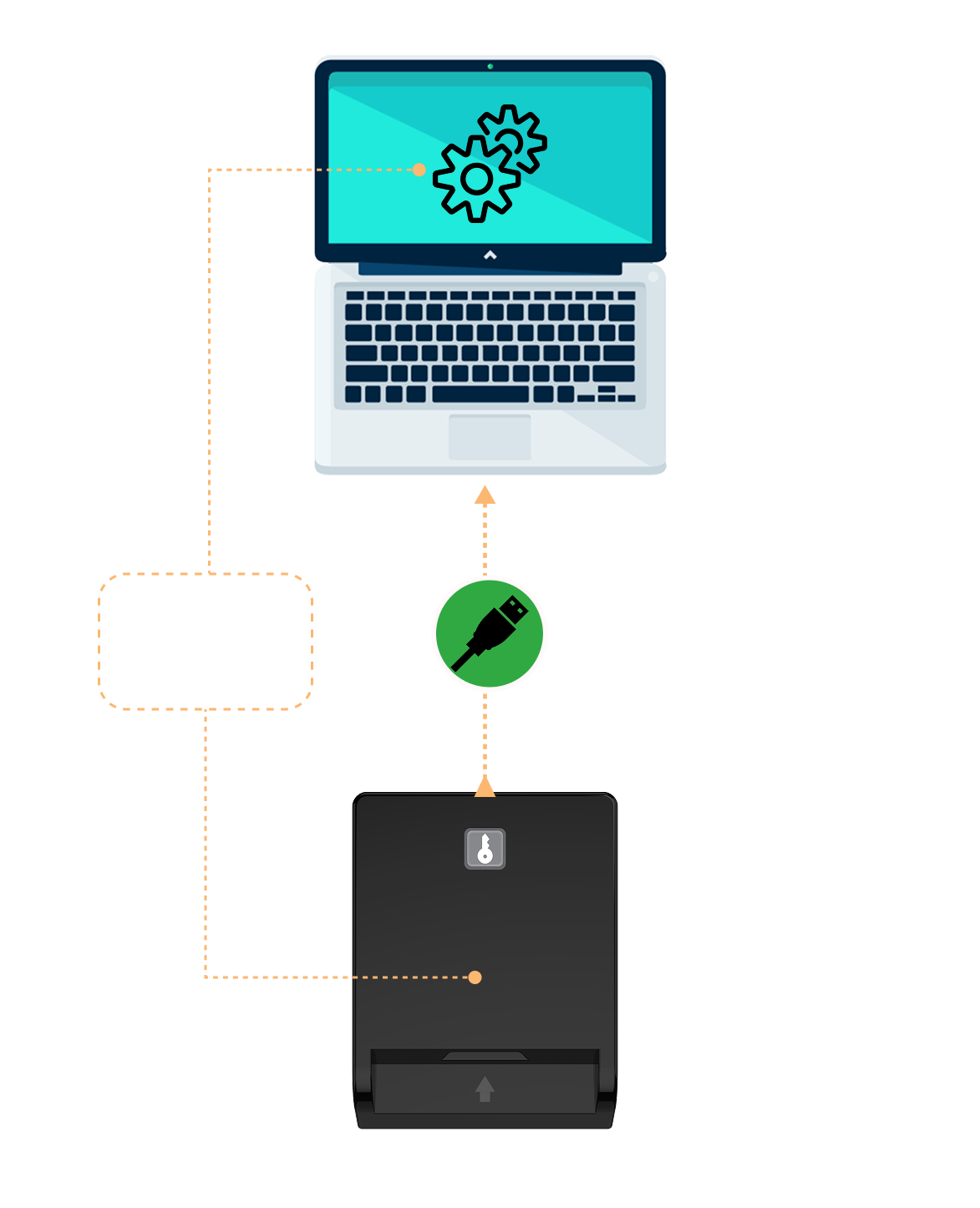
Plug the reader directly into the USB port of your computer. An LED indicator will light up to confirm that the device is powered
Step 2
Your operating system will automatically detect and configure the device. The device is plug-and-play. Drivers are already included in major operating systems.
Step 3
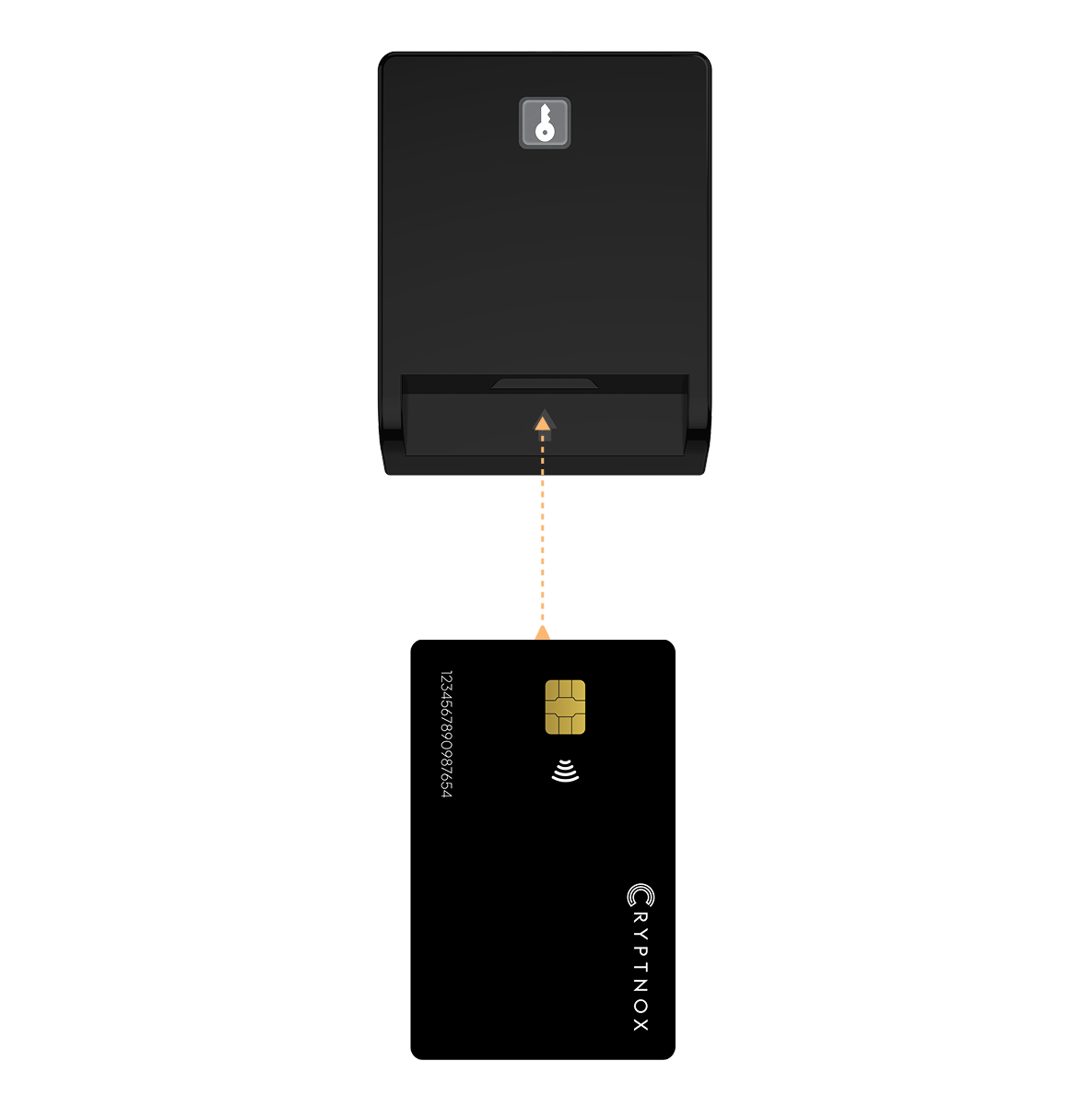
Insert your contact smart card (chip first, face up) into the main slot of the reader. Gently push until the card is fully seated. The card will be automatically detected and processed by any compatible application.
Step 4
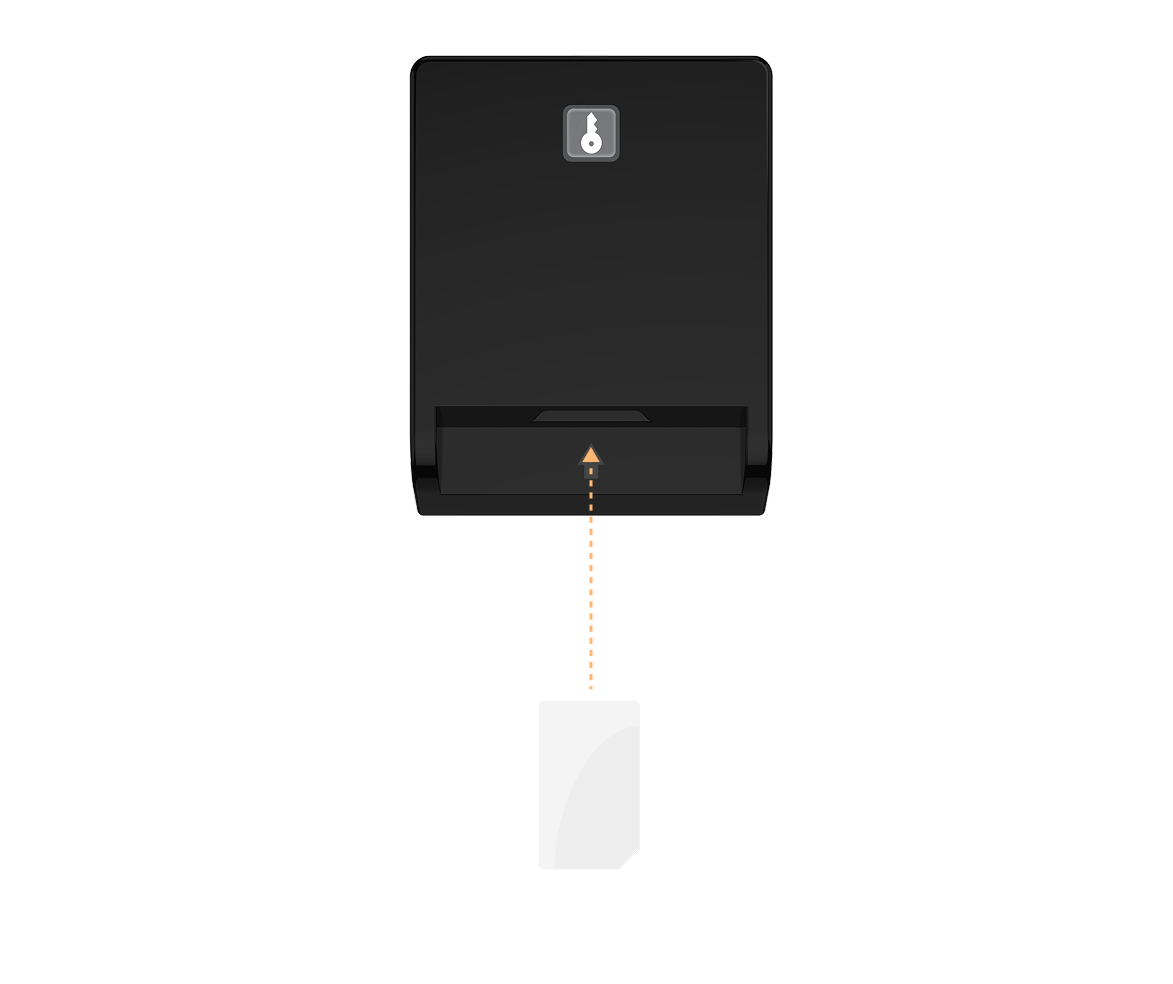
Insert your SIM card (chip facing down) into the smaller slot of the reader. Ensure the card is properly aligned and do not force it in.
Important noticeDo not insert foreign objects into the slots. Insert only one card per slot — do not use the contact slot and the SIM slot at the same time. Do not insert a SIM card into the full-size contact slot.