How to Use the Cryptnox Smartcard Contact Reader (Tutorial)
Instructions
Step 1
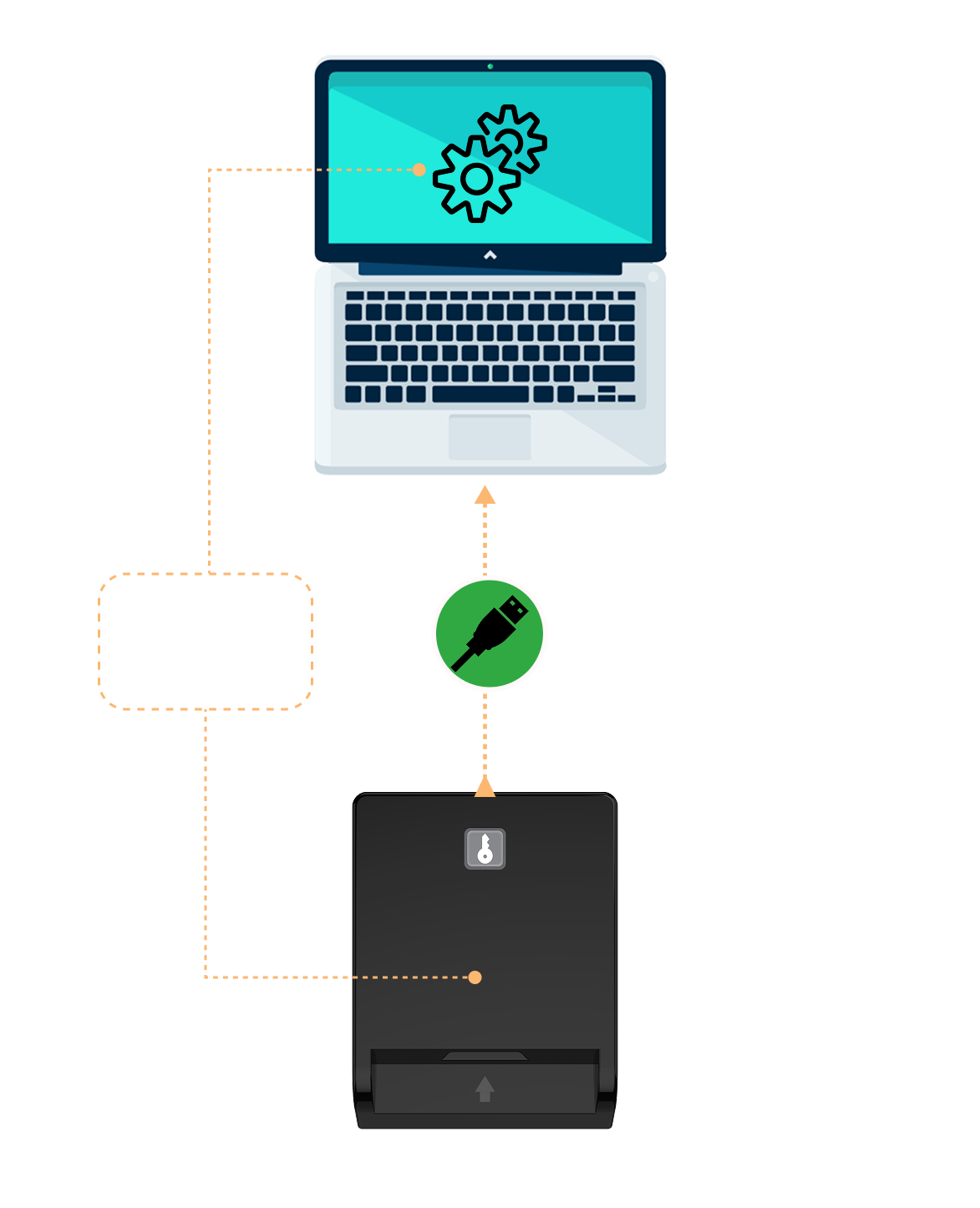
Plug the reader directly into the USB port of your computer. An LED indicator will light up to confirm that the device is powered
Step 2
Your operating system will automatically detect and configure the device The device is plug-and-play Drivers are already included in major operating systems
Step 3
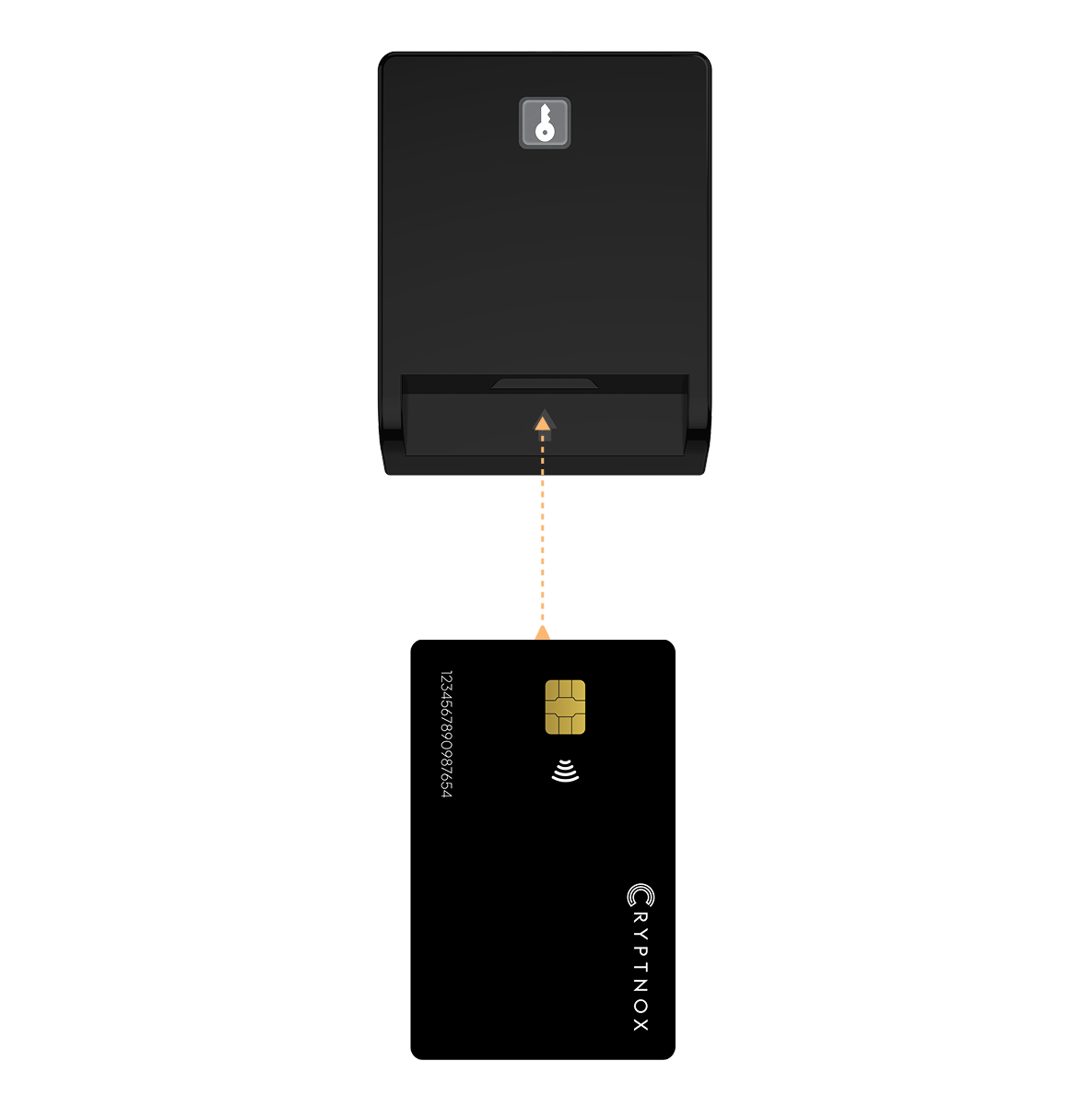
Insert your contact smartcard (chip first, face up) into the main slot of the reader Gently push until the card is fully seated The card will be automatically detected and processed by any compatible application
Step 4
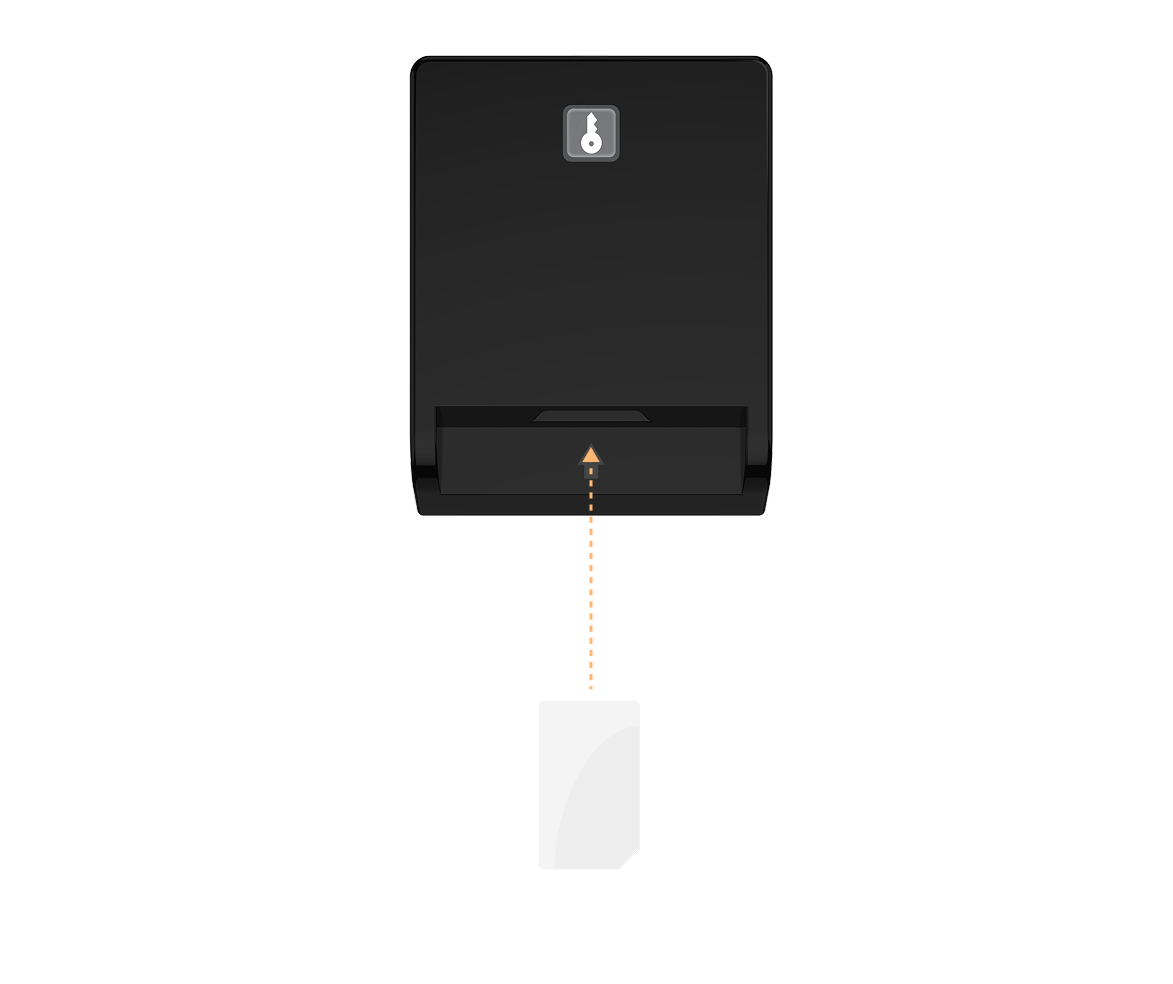
Insert your SIM card (chip facing down) into the smaller slot of the reader Ensure the card is properly aligned and do not force it in
IMPORTANT NOTICEDo not insert foreign objects into the slots only insert one card per slot, do not use both smartcard slot and sim slot at the same time do not insert sim card into the full-size slot