
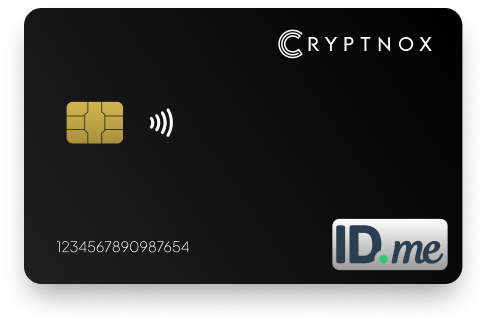
Yes. Cryptnox can be used with ID.me when the Wallet setup flow offers Security Key or NFC-Enabled Security Key as an MFA option. The Cryptnox Crypto Hardware Wallet – Dual-Card Set is a contact and NFC smart card, so you tap it to a phone or insert it into a reader. ID.me positions security keys as MFA for the Wallet, while passwordless sign-in is limited to Microsoft Entra, Google and login.gov.

CRYPTNOX products are also available worldwide through our official Amazon stores.

ID.me requires users to secure their accounts with strong authentication options
One of the most reliable ways to do this is by using a hardware-based method such as the Cryptnox FIDO2 Security Key, with this key, your ID.me account gains an extra layer of protection that makes unauthorized access extremely difficult
Unlike SMS codes, which can be intercepted,
redirected, or spoofed, a FIDO2 key resists these vulnerabilities completely
The Cryptnox card is a slim, durable device that works through both contact and contactless card readers, making it easy to use across laptops, desktops, and NFC-enabled phones
Even if someone has your ID.me password, they still won’t be able to sign in without your physical key.
ID.me uses security keys as a multi-factor method for the ID.me Wallet. For a buyer comparing hardware options, that means the Cryptnox card is used as a possession factor when ID.me presents the Security Key or NFC-Enabled Security Key route. It is not a claim that every ID.me Wallet sign-in becomes passwordless.
The product for this use case is the Cryptnox Crypto Hardware Wallet – Dual-Card Set. It is a contact and NFC smart card, so the ID.me NFC-enabled path uses a phone tap, while a contact path uses a reader. That matters because ID.me describes both browser-based security-key setup and an NFC-enabled setup flow that moves the tap step to a phone.
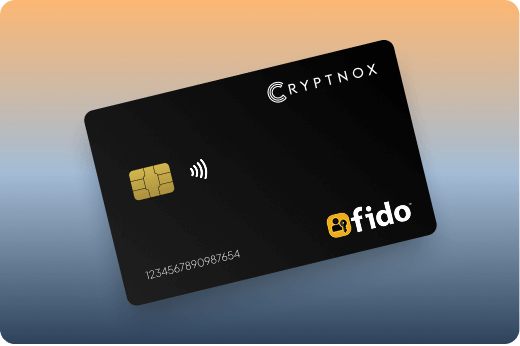
ID.me also documents passkeys through WebAuthn as a separate MFA option for the Wallet. For Cryptnox, the relevant route is the security-key MFA route: choose Security Key or NFC-Enabled Security Key when the Wallet offers that option, then follow the registration prompts. ID.me’s own Security Key MFA setup help describes the Wallet security-key setup path.
If you are comparing ID.me with other card-based account protection uses, the Cryptnox FIDO2 security key cards hub covers the same card format across supported services.
The correct setup path depends on whether ID.me is asking you to add MFA for the first time or whether your Wallet already has another MFA method enabled. In both cases, choose the hardware security-key option when ID.me presents it, not a software-code option.
Sign in to your ID.me Wallet with the MFA method you already use. Go to My Wallet, open Sign In & Security, then add or set up the relevant hardware MFA option. ID.me’s NFC-enabled flow uses the ID.me Authenticator app: if setup starts on a computer, continue in the browser, scan the QR code with the app, and tap the card to the phone; if setup starts on mobile, open the app and tap the card when prompted.
Before registering the card with ID.me, initialise it with the Cryptnox app. The Cryptnox FIDO2 card startup guide explains first setup so the card is ready for security-key registration.
The Cryptnox card is built around a secure element. Private keys are generated inside the secure element and never leave it. The card uses an EAL6+-certified chip, which is a property of the chip platform.
For ID.me, the practical role is a hardware possession factor for Wallet MFA. You still follow ID.me’s Wallet MFA flow, but the card is the registered security key you present when ID.me asks for that factor.
The card is dual-interface: tap it to a phone for NFC use, or insert it into a reader for contact use. That aligns with ID.me’s NFC-enabled setup path, which uses the ID.me Authenticator app and a phone tap, and with the browser-based Security Key MFA route that ID.me documents.
The Dual-Card Set sold for this use case is available from the Cryptnox Crypto Hardware Wallet – Dual-Card Set product page. The cards are Swiss-engineered and made in Switzerland. The free Cryptnox app is available on iOS and Android for card setup and wallet use.
The Dual-Card Set ships uninitialised. During initialisation, the seed is generated inside both secure elements, so the second card is the backup. By default, you do not have to write down a recovery phrase to create the backup card. Importing a BIP39 recovery phrase is an advanced option, not the default setup path.
This backup model matters for an ID.me Wallet buyer because the security-key factor can become part of an account-access routine. ID.me does not document a key limit for the Wallet security-key route, so plan your backup before relying on one card as the daily MFA factor.
The same card set can also serve crypto-key custody needs. The Cryptnox app connects to Web3 through WalletConnect and works with MetaMask, while the ID.me use remains security-key MFA for the Wallet.
ID.me’s Security Key MFA help currently lists Google Chrome and Opera as supported browsers. If you start ID.me setup from a desktop browser, use a browser named by ID.me and follow the prompt for the security key.
For the NFC-enabled route, ID.me describes a flow that uses the ID.me Authenticator app. A computer-started setup continues in the browser and uses a QR code to hand the tap step to the phone. A mobile-started setup opens the app directly and asks you to tap the key to the phone.
These details set expectations before ID.me registration. The card is suited to the ID.me paths that ask for a phone tap or a reader insertion, while the service still controls which MFA options appear for the Wallet.
ID.me’s NFC-enabled security-key guidance describes a YubiKey 5 NFC flow, so that product is a realistic comparison point for an ID.me buyer. A buyer considering that flow should compare the physical format, backup approach, and setup path rather than assuming that any hardware option changes the Wallet into a passwordless sign-in flow.
The Cryptnox option is a contact and NFC smart card sold as a Dual-Card Set. The second card is generated as the backup during initialisation. The YubiKey 5 NFC appears in ID.me’s NFC-enabled guidance as the example for tapping a key to a phone. ID.me’s passkey route is separate: ID.me documents passkey via WebAuthn as another MFA option for the Wallet.
If you already use hardware MFA on other accounts, compare the ID.me flow with Cryptnox guides for Binance security-key MFA and Fastmail security-key sign-in protection.
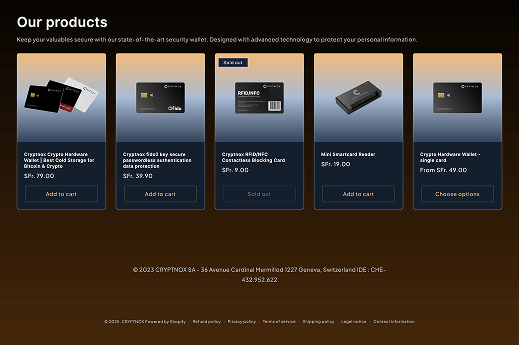
For ID.me Wallet MFA, the product name to check is Cryptnox Crypto Hardware Wallet – Dual-Card Set. The purchase route is the dedicated Cryptnox shop product page.
For a broader view of card-based FIDO2 use, the best FIDO2 security key cards collection is the parent guide for service pages like this one. If you are securing multiple accounts, compare this ID.me guide with the Cryptnox pages for Bank of America security-key use and Bitfinex security-key MFA.
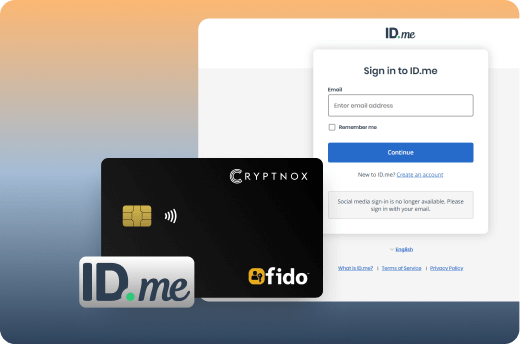
Yes. Use the Cryptnox card with ID.me when the Wallet setup flow offers Security Key or NFC-Enabled Security Key as an MFA option. ID.me positions this as multi-factor protection for the Wallet, so treat the card as a hardware second factor rather than a replacement for every sign-in step.
For ID.me Wallet security, use Cryptnox as a security-key MFA factor. ID.me’s passwordless support is limited to Microsoft Entra, Google and login.gov. ID.me also documents passkeys through WebAuthn as a separate MFA option, but that is not the same as registering the Cryptnox card as a security key.
Sign in to your ID.me Wallet with your current MFA method, open My Wallet, then go to Sign In & Security. From there, add or set up the hardware MFA option. If you use the NFC-enabled route, follow the ID.me Authenticator app flow and tap the card to your phone when asked.
No. The card is a contact and NFC smart card. For an ID.me NFC-enabled setup, you tap it to a phone. For a contact security-key flow, you insert it into a reader. The exact route depends on the option ID.me presents and the device you use during setup.
The Dual-Card Set ships uninitialised, and the seed is generated inside both secure elements during setup. The second card is the backup. By default, you do not have to write down a recovery phrase to create that backup, although importing a BIP39 phrase is available as an advanced option.
No. The card has no fingerprint or face sensor. Unlock uses the phone’s face or fingerprint check through the Cryptnox app. The card remains the hardware security factor for the relevant ID.me MFA flow, while the phone check belongs to the app unlock experience.
ID.me’s Security Key MFA help currently lists Google Chrome and Opera as supported browsers. For the NFC-enabled route, ID.me describes a flow that uses the ID.me Authenticator app and a phone tap, with a QR-code handoff if setup starts on a computer.
Yes. Cryptnox ships worldwide from the official CRYPTNOX store. Orders to Switzerland, the European Union and the United States are dispatched from stock already held in each of those regions, so the parcel does not cross a customs border into your country and there are no import duties to pay. Orders to other destinations are shipped internationally, and any import duties or local taxes are set by the destination country and are the recipient’s responsibility. Current shipping rates are shown at checkout.