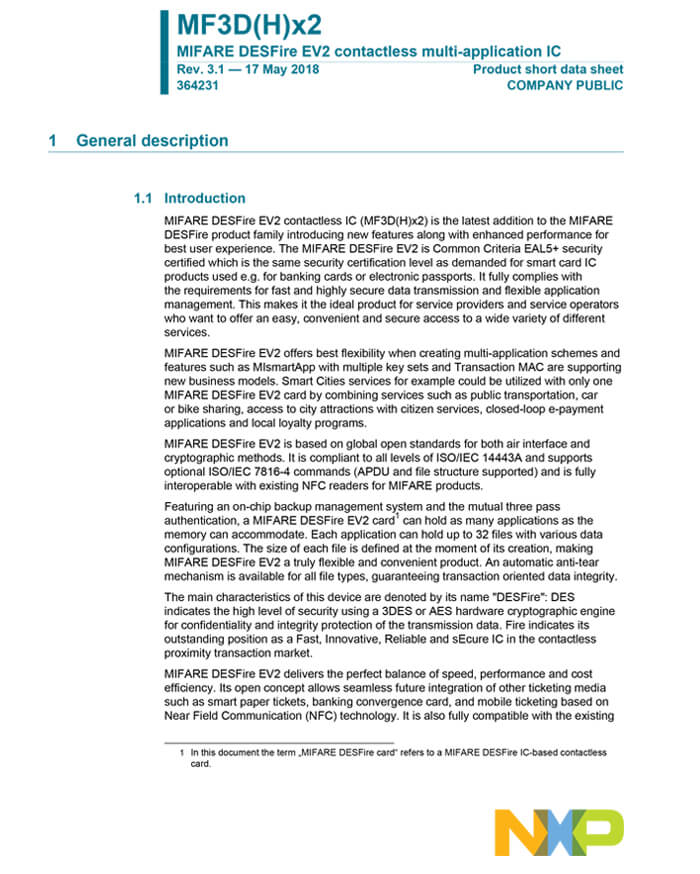
High-security smart card powered by NXP MIFARE DESFire EV2 (4 KB), ideal for access control, ticketing, identity, and professional NFC applications.
Cryptnox delivers these cards in a dual-interface format (contact + contactless) to ensure maximum reader compatibility.
✔ Guaranteed genuine NXP MIFARE DESFire EV2 chips
✔ 100% tested and verified before delivery
FIDO2 is a set of authentication standards that replace passwords with stronger, phishing-resistant credentials Instead of typing a password that can be stolen or guessed, FIDO2 uses public-key cryptography to verify your identity When you register a FIDO2 security key with a service such as Google or Microsoft, a unique key pair is created on your device The private key never leaves the card or device, which prevents attackers from intercepting it during login
This approach works across many platforms because FIDO2 is built on open standards managed by the FIDO Alliance and the World Wide Web Consortium (W3C) Major browsers, operating systems, and online services support FIDO2, allowing a single security key to protect your email, banking, social media, and work accounts Many users configure their Cryptnox FIDO2 card for Google, Microsoft, Cloudflare, and other critical platforms in a single session
The security benefits are clear when compared to SMS codes or app-based authentication SMS messages can be intercepted through SIM-swapping attacks, and time-based one-time passwords can be intercepted if users are tricked into entering them on fake login pages FIDO2 credentials cannot be phished because they only work on the correct domain for which they were registered This makes FIDO2 an ideal choice for both individual users who want simple protection and enterprises that need to defend against targeted attacks
Setting up FIDO2 is straightforward, even for non-technical users Most services guide you through a short registration in which you tap your card on a reader or phone when prompted After that first registration, logging in is as simple as entering your PIN and tapping the card For more help, check out the FIDO2 card startup guide or platform-specific tutorials for services such as Shopify, Binance, and Coinbase
During each sign-in attempt, the service sends a cryptographic challenge to your device Your authenticator (such as Cryptnox card, biometric sensor, or other FIDO2 device) signs this challenge using the stored private key and sends the signed response back The service then verifies this response using the public key it has on file This process happens in seconds and creates a phishing-resistant authentication flow because the private key never travels across networks
Selecting a FIDO2 security key depends on how you use your devices and which services you want to protect If you work mainly on laptops and desktops, a USB-based key is convenient because you can leave it plugged in or carry it on your keychain If you rely on mobile devices, look for keys with NFC support so you can tap your phone to authenticate Cryptnox offers NFC-compatible security keys that work with both contact and contactless readers, giving you flexibility across all your hardware
Consider how many accounts you need to secure and whether you prefer a single key for all services or separate keys for different contexts Some people use one key for personal accounts such as email and social media, and another to work accounts and sensitive financial services This separation reduces the impact if one key is lost For mission-critical accounts, consider keeping a backup key in a safe place so you can still log in if your primary key is damaged or misplaced
Durability and form factor matter if you plan to carry your key every day Card-style keys fit easily in wallets and are less likely to get caught on clothing or bags compared to USB dongles They also work well for tapping on phones when you are on the go If you need advanced features like combining FIDO2 with MIFARE DESFire for access control or identity badges, look for cards that support multiple applications on one chip
Check compatibility with your most-used platforms before buying Most modern services support FIDO2, but older enterprise systems or niche applications may require specific configurations The tutorials for the FIDO2 products page cover setup steps for popular platforms, and the troubleshooting guide helps if you run into issues during registration For remote work scenarios, read more about FIDO2 security keys for remote workforces to understand deployment best practices
Proper configuration is essential if you want to use MIFARE DESFire EV2 cards in serious access control or identity projects A good setup starts with a clear plan of how many applications and files you need on the 4 KB memory, and what each of them will store Keep a simple mapping document that explains which application ID is used for access, which is used for identity, and which is reserved for future features
When defining applications, try to separate use cases instead of putting everything into one place For example, create one application for building access, another for time and attendance, and a third for wallet or vending data This makes your system easier to update later and reduces the impact if one part ever needs to be re-keyed Always keep some free space for new files so you can add features without changing cards
A strong key management strategy is another key element of DESFire deployments Use different keys for each application instead of one shared key for the whole card Rotate keys on a regular schedule and when staff leave sensitive roles Store all master keys in a secure server or hardware security module, never in plain text inside client apps or documentation
When setting file permissions, only give the minimum access required for each function For example, a reader who must only check access rights should not be able to change them Use read-only access where data never needs to be updated in the field For payment, ticketing, or wallet-style files, consider backup or value file types to keep balances consistent even if there is an interruption during a transaction
Testing and validation should be part of your normal process, not an afterthought Build a small pilot group of cards and readers and test all flows: enrollment, normal use, lost card, and replacement Keep logs of failed authentications to detect misconfigurations early Once the setup is stable, you can apply the same structure to larger batches of cards with confidence
Start by listing the primary functions you want the card to support, such as access control, time tracking, ticketing, or payments Group related features into separate applications so that each use case has its own set of keys and permissions For each application, define the files you need: standard data files for configuration settings, record files for logs, and value files for balances Keep the initial structure as simple as possible at the beginning and reserve additional space for future expansion This approach simplifies long-term maintenance easier and reduces the risk of conflicts as the system scales
Standard data files store general information, like IDs, flags, or settings, that are read or written as blocks of data They are a good fit for access levels, profile data, or configuration parameters that do not change very often Value files are designed for numbers that change in steps, such as balances, counters, or usage credits They support secure increase and decrease operations and can be set with limits to prevent negative values Choosing the right file type improves both performance and safety in daily use
Multi-application setups are helpful when one physical card serves different services or departments If the same badge is used for building access, canteen payments, and library management, separate applications let each team manage its own keys and rules This reduces coordination overhead and makes it easier to add or remove services over time A single-application card is fine for simple systems, such as a small office door controller, where only one type of data is stored As soon as you involve multiple systems or vendors, a multi-application is usually the better long-term option
Strong key management protects the card data from cloning, tampering, or unauthorised access Each application can have multiple keys, so using different keys for reading, writing, and changing configuration keeps attackers from gaining full control even if one key is exposed Rotating keys regularly limits the time window in which a stolen key is useful Storing keys in secure servers or specialised hardware helps prevent leaks from development tools or client applications Good key management practices often matter more than the underlying cryptography, because even strong algorithms fail when keys are poorly handled
Yes, DESFire cards can work with both mobile devices and fixed readers when properly configured In many setups, the card acts as a contactless credential for door readers while also presenting an NDEF record for phones that support NFC This lets users open doors, tap to view a profile or website, and interact with other NFC services using one card You need to test with the main platforms your users rely on to avoid compatibility surprises A small pilot helps confirm that both professional readers and popular smartphones read the data in the way you expect