
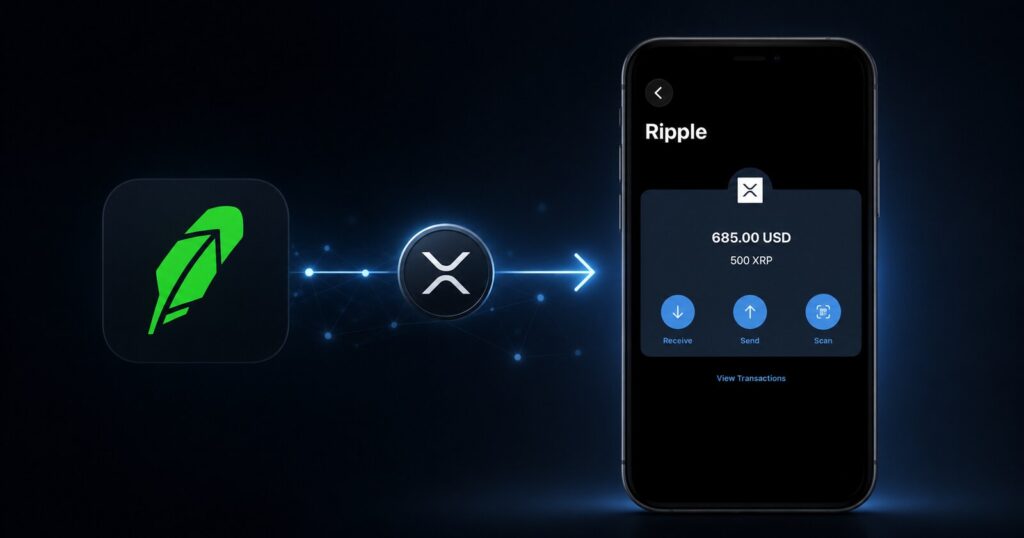
XRP is pre-configured and enabled by default in the Cryptnox Wallet app. You can receive native XRP directly on the XRP Ledger (XRPL) without manually adding the network. Here is the full transfer process, step by step.
Robinhood → XRP Ledger (XRPL) → Cryptnox Wallet
Unlike some wallets that require you to manually add a network before you can receive a coin, XRP is one of the assets enabled by default in the Cryptnox Wallet. Open the app, select XRP, and the receiving address is ready. There is nothing to configure on the XRPL network side. For the full list of what else is supported out of the box, see the Cryptnox supported cryptocurrencies and blockchains page.
Open the Cryptnox Wallet app and select XRP (Ripple) from your asset list.
No manual network configuration is required. XRP is already enabled in the Cryptnox Wallet.
Always copy the receiving address directly from your Cryptnox Wallet and carefully verify it before sending.
Moving other assets off the platform as well? Our Robinhood wallet guide covers withdrawing and securing the rest of your crypto.
Only enter a destination tag if the Cryptnox Wallet explicitly displays one with the receiving address. Do not invent or enter a random destination tag.
This applies to your personal Cryptnox wallet address: follow exactly what the receiving wallet displays. Shared or custodial addresses (such as some exchange deposit addresses) can work differently and sometimes require a tag by default — your Cryptnox address is not one of those.
Once Robinhood processes the withdrawal, the XRP is sent to your Cryptnox receiving address. Blockchain confirmation on the XRP Ledger is typically fast, but platform-side processing on Robinhood’s end can take longer — so a short wait after submitting is normal.
Submit → Robinhood processing → XRPL transaction → XRP received in Cryptnox Wallet
Once your XRP is in the Cryptnox Wallet, it is held under self-custody: your private keys stay in secure hardware rather than solely on a trading platform. That gives you direct control over the asset instead of relying on an exchange to hold it for you.
Still comparing storage options? See our guide to the best XRP wallet for cold storage.
Cryptnox supported cryptocurrencies and blockchains →
For Robinhood’s own crypto transfer documentation, see Robinhood’s official Crypto Transfers support article.
Yes. Users can send XRP using the XRP Ledger (XRPL) to a compatible Cryptnox XRP receiving address.
No. XRP is pre-configured and enabled by default in the Cryptnox Wallet app.
Use the XRP Ledger (XRPL) for a native XRP transfer.
Only use a destination tag if the Cryptnox Wallet explicitly provides one with the receiving address. Never invent a tag.
For a first transfer, it is recommended to send a small test amount first before transferring a larger amount.