
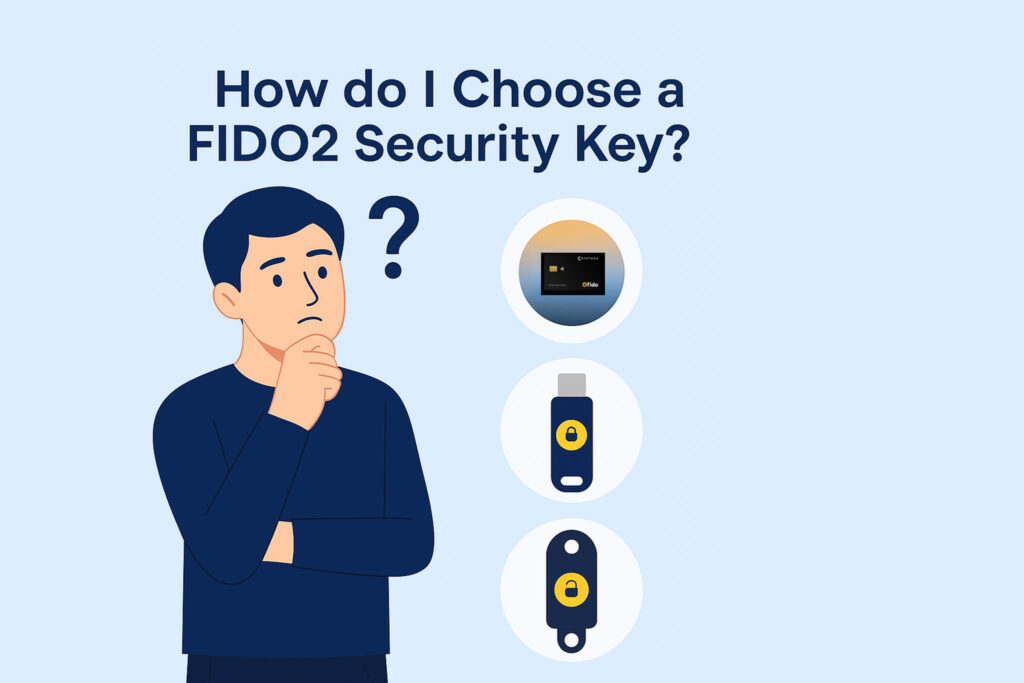
How to Choose a FIDO2 Security Key
A FIDO2 security key is a hardware authenticator that signs a cryptographic challenge on your behalf, so there is no password or one-time code for an attacker to phish, replay or intercept. Choosing one is mostly a question of matching the form factor, interfaces and certification scope to the devices and services you actually use. This guide walks through the criteria that matter and where each type of key fits.
What a FIDO2 security key does
During registration the key generates a public/private key pair for that specific service. The private key stays on the authenticator; only the public key is stored by the service. At sign-in, the service sends a challenge, the key signs it, and the signature is bound to the origin — so a look-alike domain cannot reuse it. That origin binding is what makes FIDO2 phishing-resistant, and it is the reason FIDO2 is stronger than SMS or app-based one-time codes.
In practice most people use a security key for phishing-resistant MFA, with passwordless sign-in available where the service and platform support it. One key is not limited to one account: a single FIDO2 key can be registered with many services, creating a separate FIDO2 / WebAuthn credential for each registration.
The form factors you will actually see
USB security keys
The most common type: a small token in USB-A or USB-C, often with NFC as well. It stays plugged into a laptop or lives on a keyring. Vendors in this category include Yubico, Token2, Nitrokey and Thetis. Some models add a fingerprint sensor.
NFC smart cards
A credit-card-format authenticator that works over NFC and over the contact interface with a smart-card reader. It carries flat in a wallet or on a badge lanyard, and — because it is a smart card — it can host other security technologies alongside FIDO2, such as PIV identity or MIFARE DESFire building access.
Platform authenticators and passkeys
Windows Hello, Touch ID, Face ID and phone-synced passkeys are FIDO2 authenticators too, built into a device you already own. They are convenient, but the credential lives on that device or in a vendor account rather than on a separate object you control — which is exactly why regulated and enterprise environments still issue a physical key.
Bluetooth-only keys exist but are rare; nearly all current products use USB, NFC, or both.
The criteria that actually matter
- Certification, and its scope. Check two things separately: whether the FIDO2 function is FIDO certified, and what the underlying secure element is certified to (a Common Criteria EAL level, for example). A chip certification does not certify the applications running on it, and FIDO certification says nothing about any other function on the device. Treat them as separate claims.
- Interfaces versus your devices. A key is only useful where it can connect. Decide whether you need NFC for phones, a contact or USB connection for desktops, or both.
- Operating system support. This is where most surprises happen. Windows 10/11 support FIDO2 broadly. On iOS, NFC works consistently on recent iPhones. Android supports external NFC keys for CTAP1 / U2F rather than full CTAP2, so second-factor use works on most mainstream services but passkey-style passwordless sign-in generally does not. macOS varies by version and browser. On Linux, browsers expect an HID authenticator, so a smart card used through a CCID reader needs a bridge — for Cryptnox cards, the open-source FIDO2 HID bridge.
- Credential storage. Discoverable credentials (passkeys stored on the authenticator itself) consume on-card storage, so any authenticator has a finite capacity for them. Non-discoverable second-factor registrations are far less demanding. If you plan to store passkeys on the key, ask the vendor for the specific capacity of that model.
- PIN, biometrics and recovery. Most keys are protected by a PIN; some add a fingerprint sensor. Whichever you choose, plan the recovery path before you need it.
- Backup keys. Register at least two authenticators on every important account. Some services — Apple ID among them — require a minimum of two. Budget for the second key from the start.
- Lifecycle and issuer control. For enterprise deployment, ask who controls the key material and the card life cycle, and whether you can pre-personalize and lock cards before issuing them. See smart card life cycle control compared with the YubiKey PIV model.
- What else the key can carry. If you also need certificate-based workstation logon or building access, a smart card can combine those with FIDO2 on one object; a FIDO2-only token cannot.
USB token or smart card?
Both do FIDO2 properly. The differences are practical:
| USB token | NFC smart card | |
|---|---|---|
| Carry | Keyring or left in a port | Flat in a wallet or on a lanyard |
| Desktop use | Plug into a USB port | Contact reader, or NFC reader |
| Phone use | NFC on models that have it | NFC tap |
| Enterprise identity (PIV) | On some models | Native to the smart card format |
| Building access | Rare | Available with MIFARE DESFire |
| Printing and branding | Limited | Standard card personalization |
| Doubles as an employee badge | No | Yes |
A USB token is the better answer when the key stays in a laptop all day, when the devices involved have no NFC, or when you want a fingerprint sensor on the authenticator itself. A card is the better answer when people carry credentials in a wallet, when you want one object to cover sign-in, workstation logon and door access, or when you are issuing credentials at scale and want them printed and personalized. For a fuller head-to-head, read Cryptnox cards compared with USB security keys.
How Cryptnox FIDO2 cards compare
Cryptnox makes the card option. The Cryptnox FIDO2 security key is an ID-1 smart card that works over NFC and over the contact interface with a smart-card reader. Points worth checking against the criteria above:
- The FIDO2 function is FIDO2 Level 1 certified, and the secure element carries a Common Criteria EAL6+ certification — two separate certifications with separate scopes.
- Protection is by PIN. There is no fingerprint sensor on the card, so if on-authenticator biometrics is a requirement, a card is not the right form factor for you.
- No vendor software is required for standard FIDO2 authentication on supported platforms; the Card Manager app is used for PIN management, resets and authenticity checks.
- The same card can be ordered with PIV or MIFARE DESFire alongside FIDO2 — see below.
- Full data sheet: Cryptnox FIDO2 card technical specifications. You can also verify a card against a live relying party with the FIDO2 and WebAuthn testing tool.
Beyond FIDO2: PIV and MIFARE DESFire on the same card
This is the part a FIDO2-only token cannot match. A Cryptnox card can combine up to three security technologies on one piece of plastic: FIDO2 for phishing-resistant MFA, PIV implementing NIST SP 800-73-4 for certificate-based smart-card logon and digital signatures, and MIFARE DESFire EV2 4K or EV3 16K for physical access control. The three functions remain logically separate and use independent cryptographic keys. If your shortlist includes workstation logon or building entry, compare the converged identity and access card configurations before buying separate devices for each job.
Best practices once you have chosen
- Register two authenticators on every account that matters, and keep the second one somewhere else.
- Set a PIN and record the recovery options each service offers before you rely on the key.
- Store recovery codes somewhere you can reach without the key.
- Test with your actual services first. FIDO2 support varies by service, browser and operating system — verify before a rollout, not after.
Need a branded or specialized FIDO2 key?
If standard FIDO2 keys do not meet your enterprise requirements — multi-application, custom attestation, NFC-enabled, EAL6+ — Cryptnox offers custom FIDO2 security key development on NXP JCOP 4.5 P71. Explore our full range of smart card development services.
Ready to choose? Compare the Cryptnox FIDO2 card, the FIDO2 + MIFARE DESFire EV2 4K card and the converged PIV configurations in the Cryptnox shop.