
Use this hub to choose the Cryptnox FIDO2 card route for your service: most listed services use security keys as 2FA, while Google and Microsoft Entra ID / Microsoft work or school accounts are listed as both 2FA and passwordless. The Cryptnox card is a contact and NFC smart card, so you can tap it to a phone or insert it into a reader. Choose the service first, then follow the matching setup route.
NO SOFTWARE INSTALLATION REQUIRED FOR FIDO2 SECURITY KEY CARD

CRYPTNOX products are also available worldwide through our official Amazon stores.

Faster FIDO2 sign-in on Windows: Click-to-Tap
When a service asks you to “tap your security key”, press the Click-to-Tap virtual button on the reader instead of pulling the card out and reinserting it. The card stays in the slot and the sign-in finishes in seconds.
The virtual button works on Windows with Cryptnox FIDO2 cards. On macOS and Linux the same reader operates as a standard PC/SC contact reader for any ISO 7816 card.
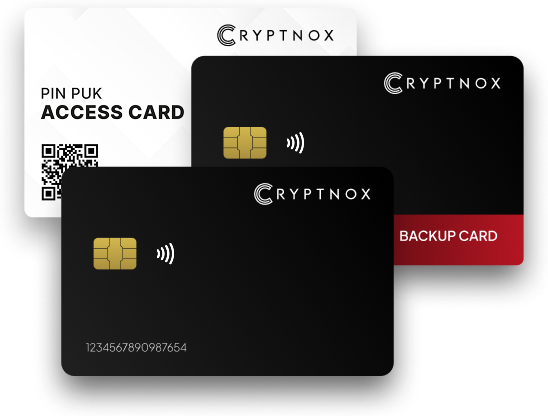
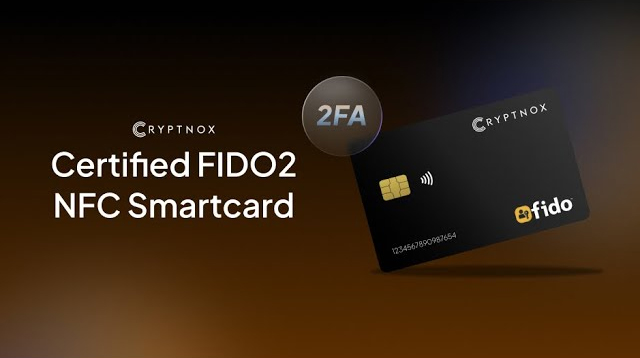
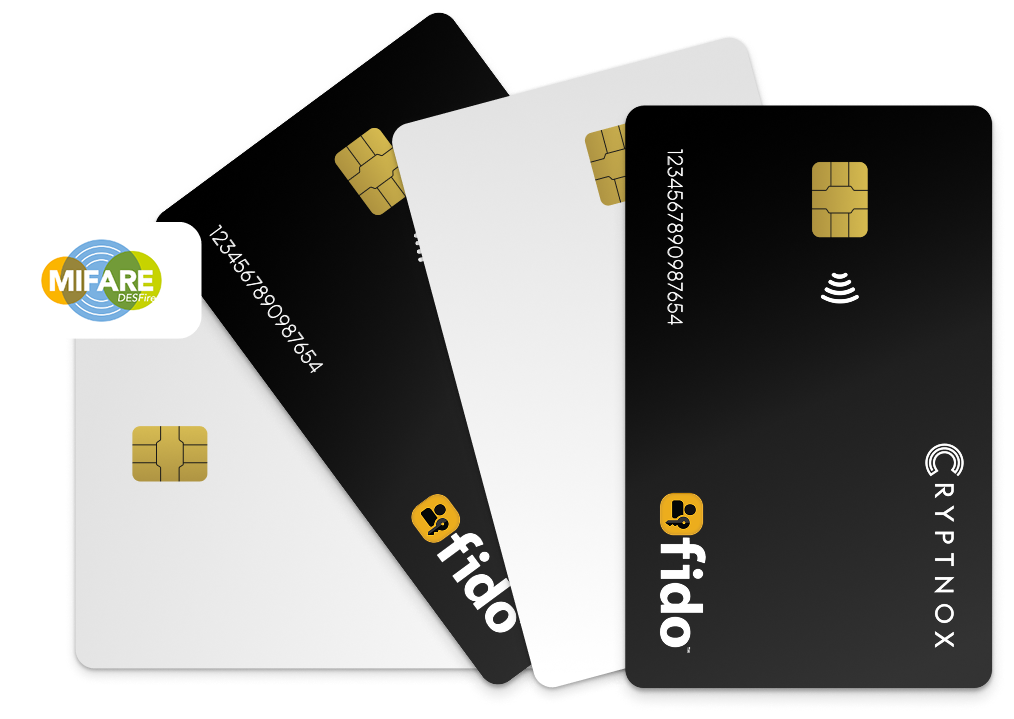
This hub is the service index for Cryptnox FIDO2 security key card pages. Start with the account you want to protect, then choose the child page that matches that account. The route label beside each service matters because most listed services use security keys as a second factor, while Google and Microsoft Entra ID / Microsoft work or school accounts are listed as both 2FA and passwordless.
If you are learning the general startup flow before choosing a service, keep the Cryptnox FIDO2 card startup guide open while you review the service route list. If you want to return to the full service index later, use the Cryptnox FIDO2 security key cards hub.
The Cryptnox card is a contact and NFC smart card. You can tap it to a phone, or insert it into a reader. That dual-interface format is separate from the service route: the route is determined by the account provider listed below.
The services in this group are listed as security keys as 2FA. Use the child page that matches the account you want to protect.
For exchange-account comparisons inside this cluster, the Binance – security keys as 2FA page and the bitfinex – security keys as 2FA page are direct service routes to review.


Two child pages in this index are listed as both 2FA and passwordless. Use these pages when the account you want to protect is Google or Microsoft Entra ID / Microsoft work or school accounts.
“Both” means the service-specific Cryptnox page is the route for security keys as a second factor and as a passwordless route. It is not the same label as the 2FA-only group. Keep Google and Microsoft Entra ID / Microsoft work or school accounts separate from the services listed as 2FA only.
If you manage several account types, start with the service that controls the sign-in you need to protect first. Use the Google page for Google. Use the Microsoft Entra ID / Microsoft work or school accounts page for that Microsoft route. Use the previous section for Bank of America, login.gov, ID.me, Coinbase, bitfinex, Binance, Dropbox, Shopify, nordvpn, GoDaddy, cloudflare, or Fastmail.
The Cryptnox card uses a contact and NFC smart-card form factor. You can tap the card to a phone, or insert it into a reader. That detail helps when choosing the right service page because the same card presentation model can sit behind different account routes.
The card itself has no biometric sensor. Unlock in the Cryptnox app uses the phone’s biometric unlock, so the phone handles that unlock step and the card remains a smart card.
The free Cryptnox app is available on iOS and Android. For crypto wallet use, the app connects to Web3 through WalletConnect and works with MetaMask. If you are comparing the wallet product as well as the FIDO2 service index, review the Cryptnox Crypto Hardware Wallet – Dual-Card Set product page before buying.
The Cryptnox Crypto Hardware Wallet – Dual-Card Set ships uninitialised. During setup, the seed is generated inside both secure elements, so the second card is the backup. There is no recovery phrase to write down by default.
Private keys are generated inside the secure element and never leave it. The card uses an EAL6+-certified chip. That certification applies to the chip platform, not to the finished card as a whole.
The backup model is part of the buyer decision for the Dual-Card Set. Instead of starting with one card and a default phrase-writing step, the set is initialised so the seed is generated inside both secure elements. The second card is therefore the backup card for the set.
Importing a 12/24-word BIP39 seed is an advanced option, not the default setup route. The cards are Swiss-engineered and made in Switzerland.
Use the hub in a simple order: identify the account, confirm the route label, then move to the matching child page. The index is built for buyers who already know the service they need to protect and want the correct Cryptnox page without reading a long generic article first.
For service pages close to this hub, the Bank of America – security keys as 2FA page and the Fastmail – security keys as 2FA page show two different 2FA account contexts inside the same Cryptnox FIDO2 card cluster.
Each page below covers one service, what its own documentation supports, and how to enrol a card. Most services treat a security key as a second factor rather than a password replacement.
The service index tells you where to go for Bank of America, login.gov, Microsoft Entra ID / Microsoft work or school accounts, Google, ID.me, Coinbase, bitfinex, Binance, Dropbox, Shopify, nordvpn, GoDaddy, cloudflare, and Fastmail. The wallet product page tells you how the Dual-Card Set handles secure-element key generation, backup, and app use.
That separation matters for a buyer because an account-service route and a crypto wallet setup are not the same decision. The service route answers which child page to use for sign-in protection. The wallet setup answers how the uninitialised Dual-Card Set creates the seed inside both secure elements and uses the second card as the backup.
After you choose the service route, keep the matching child page and the startup guide together. When the buying decision is the dual-card wallet set, use the shop product page so you are reviewing the product being sold.
This hub is for many Cryptnox FIDO2 card service pages. It links to the listed child pages and labels each route. Most listed services are marked as security keys as 2FA, while Google and Microsoft Entra ID / Microsoft work or school accounts are marked as both 2FA and passwordless.
Bank of America, login.gov, ID.me, Coinbase, bitfinex, Binance, Dropbox, Shopify, nordvpn, GoDaddy, cloudflare, and Fastmail are listed here as security keys as 2FA. Use the matching child page for the account you want to protect.
Microsoft Entra ID / Microsoft work or school accounts and Google are listed as security keys as both. In this hub, that label means the service page covers security keys as a second factor and as a passwordless route.
The Cryptnox card is a contact and NFC smart card. You can tap it to a phone, or insert it into a reader. The service route is still chosen by account provider, not by only one physical presentation method.
No. The card itself has no biometric sensor. Unlock in the Cryptnox app uses the phone’s biometric unlock, so the phone handles that step while the Cryptnox card remains a smart card.
The Dual-Card Set ships uninitialised. During setup, the seed is generated inside both secure elements, so the second card is the backup. There is no recovery phrase to write down by default. Importing a 12/24-word BIP39 seed is an advanced option.
Private keys are generated inside the secure element and never leave it. The card uses an EAL6+-certified chip, and that certification applies to the chip platform. The cards are Swiss-engineered and made in Switzerland.
Yes. Cryptnox ships worldwide from the official CRYPTNOX store. Orders to Switzerland, the European Union and the United States are dispatched from stock already held in each of those regions, so the parcel does not cross a customs border into your country and there are no import duties to pay. Orders to other destinations are shipped internationally, and any import duties or local taxes are set by the destination country and are the recipient’s responsibility. Current shipping rates are shown at checkout.